A New Pilot Walkthrough: Getting Started on Flying Company

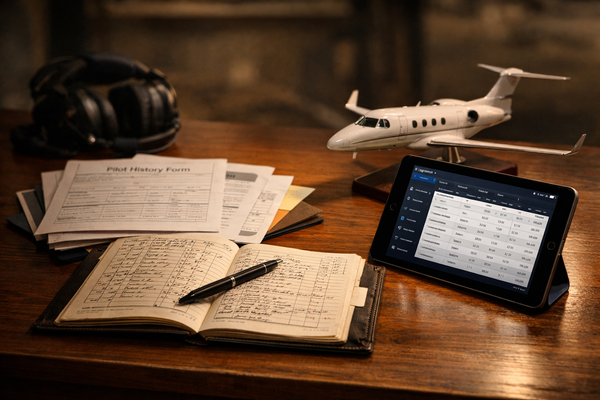
If you’re a contract pilot, you’ve probably lived the same pattern for years. A trip pops up through a staffing firm. You get a text or email. You send a rate. Someone asks for your Pilot History Form… again. You dig through old PDFs. You send documents. Then you wait.
Flying Company was built to simplify that entire experience — and to let pilots work directly with operators instead of through intermediaries.
Over the last year, the pilot side of the platform has grown into something much more than a place to submit quotes. It’s now a professional toolkit that helps you present yourself clearly, stay organized, and get in front of serious operators with less friction.
To make it easy to see how everything works, I recorded a new pilot walkthrough video. This post gives you the high-level overview, and the video shows the full step-by-step setup.
Two Core Goals for Pilots
The platform is built around two ideas.
First, helping pilots work directly with operators. No middle layers. No opaque markups. When you submit a quote, the operator sees it directly. Your Pilot History Form is instantly available. Aircraft and trip details are shared automatically when you’re hired. Messaging, invoicing, and expense submission all happen inside the platform. And at year-end, tax documents are handled without chasing paperwork.
Second, helping pilots put their best foot forward. For decades, total flight hours have been treated as the primary signal of experience. Hours matter — but they don’t tell the full story. Training history, aircraft-specific time, professional credentials, safety programs, and consistency all matter too. Flying Company gives you a place to present that complete picture in a standardized, professional way.
That combination is what the walkthrough video covers.
Setting Up Your Pilot Profile
Getting started is free. You register, click “Create Pilot Account,” and then follow a simple onboarding checklist. You’ll enter basic contact information, certificates and ratings, medical status, type ratings, and aircraft-specific hours and training history.
The aircraft models you add here determine which trips you’re notified about. If you’re qualified in a model, you’ll hear about those trips. No guesswork. No missed opportunities.
You’ll also add professional credentials — things like NBAA CAM, safety manager certificates, WINGS, UPRT, and other training. Operators value seeing pilots who invest in professional development, and the platform lets you link verified credential pages directly.
There’s also a built-in SOP knowledge check based on NBAA standard operating procedures. It’s a short, correctable assessment that lets you demonstrate familiarity with industry-standard practices. It’s optional, but operators like seeing pilots who take safety culture seriously.
Finally, you’ll complete insurance-style history questions. Once signed, the system generates an industry-standard Pilot History Form automatically. Operators can download it instantly when you submit a quote. You can also download it yourself anytime — even for trips not booked through Flying Company.
No more re-filling blank PDFs. No more outdated versions floating around.
Your Professional Pilot Profile
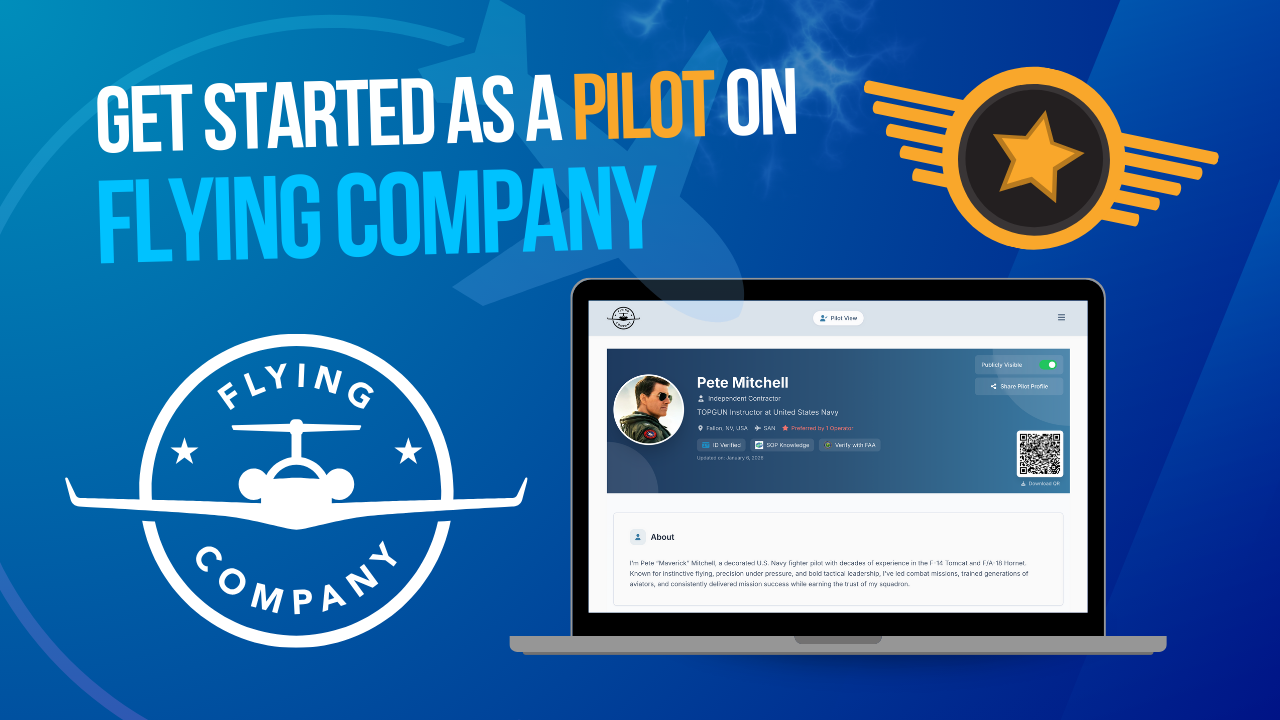
Every pilot account now includes a dedicated Professional Pilot Profile — a public-facing landing page built from your verified data.
Think of it like a LinkedIn page designed specifically for aviation. It shows your experience, aircraft hours, certificates, ratings, and credentials in a clean, standardized format. You can choose to make it publicly visible or keep it private. If it’s public, you can download a QR code to add to business cards or email signatures.
If you meet an operator at a conference, they can scan your QR code, view your profile, and even add you as a Preferred Pilot directly from the page. When that happens, you’ll be first in line for their future trips.
It’s a small feature — but one that reflects the broader goal: helping pilots present themselves professionally and consistently.
Getting Paid the Right Way
Before you can submit quotes, you’ll connect your bank account through Stripe. This is also where you choose your business classification — independent contractor or business entity. Some operators care about this distinction, and the platform displays it clearly and verifies it through Stripe.
Once connected, payments, deposits, and invoicing happen automatically. You don’t need to send separate invoices. You don’t need to chase deposits. And at the end of the year, 1099 support is built in.
Finding and Quoting Trips
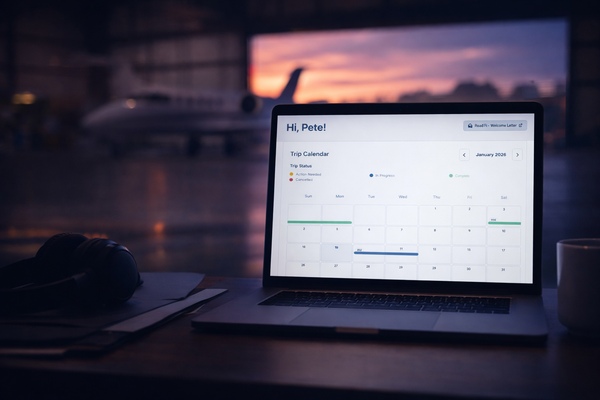
When operators create new trips that match your aircraft qualifications, they appear in your trip calendar. If you’re interested, you open the trip, review the itinerary and aircraft details, enter your day rates, travel costs, and estimated expenses, and submit a quote.
Everything is presented to the operator in a standardized format. No free-form emails. No missing information. Just a clear, comparable proposal.
And if you’re not available for a trip but know someone who might be, you can share it. Refer another pilot by email, and if they’re new to Flying Company and get hired, you earn a referral bonus automatically.
Watch the Pilot Walkthrough
The new pilot demo video walks through all of this in real time — from registration to submitting your first quote.
If you’re a contract pilot looking for a more direct, professional, and organized way to work with operators, this is the place to start.
Built for Professional Pilots
Flying Company isn’t just a trip board. It’s infrastructure for professional contract pilots — tools to present your experience clearly, stay organized, and work directly with serious operators.
The new walkthrough video is the easiest way to see how it all fits together.
If you have questions, feedback, or ideas, reach out anytime.